

The problem
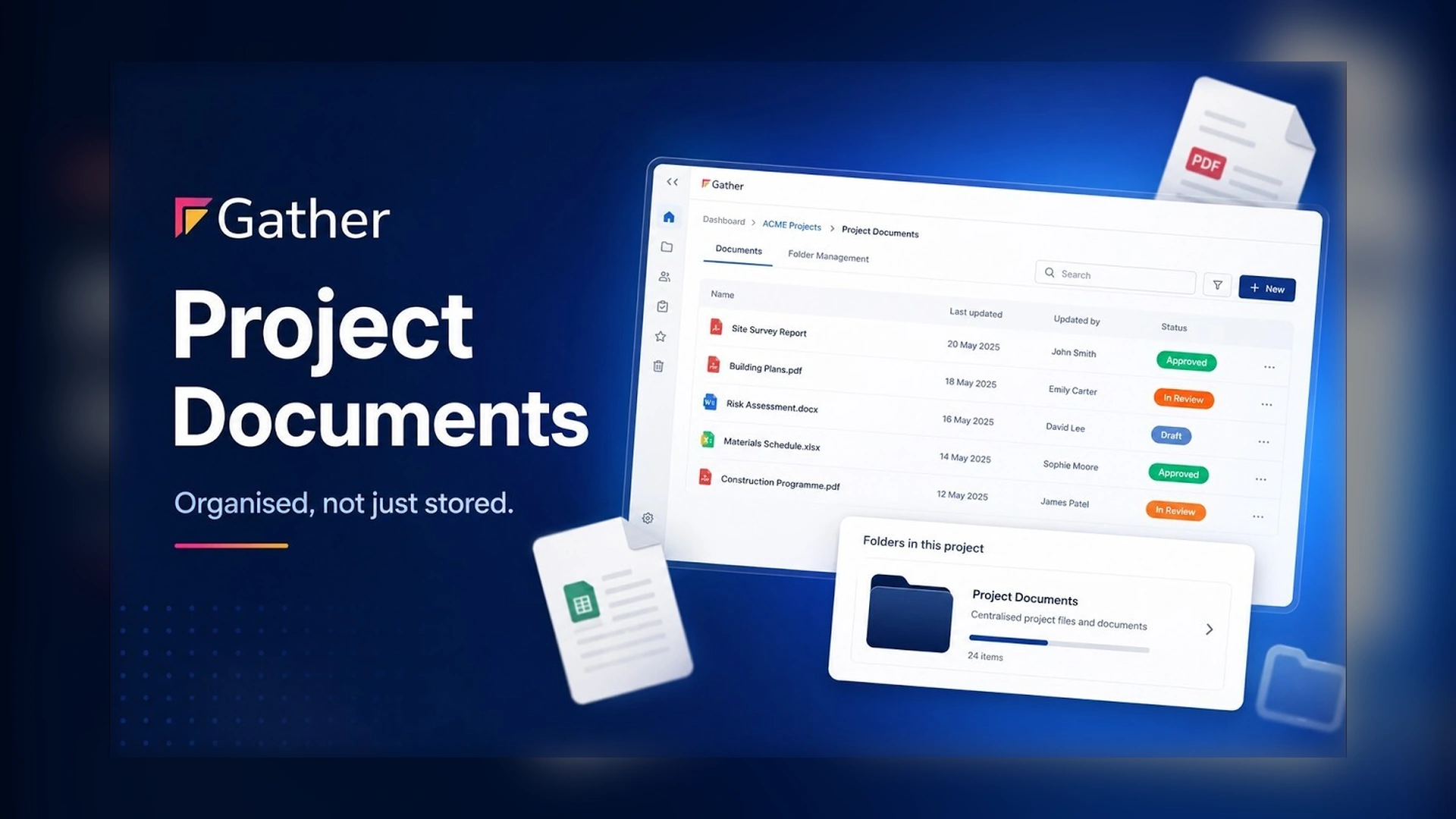
Project documents can build up fast. Drawings, method statements, permits, and briefings, all in one long list. Finding what you need shouldn't be the hard part.
Folders make it simple
Now, folders make it simple. Create folders inside your project to organise documents in a way that works for your team. Give each folder a name, choose a colour, and create it.
Then select your documents and move them into the right place. Related information stays together, making documents quicker and easier to find.
Key details stay visible
You can still see key details like document status and signing progress.
Folders change with the project
And as your project changes, your folders can change with it. Rename, reorganise, or delete them whenever you need to.
Project documents in Gather. Organised, not just stored.

.webp)





