

Introduction
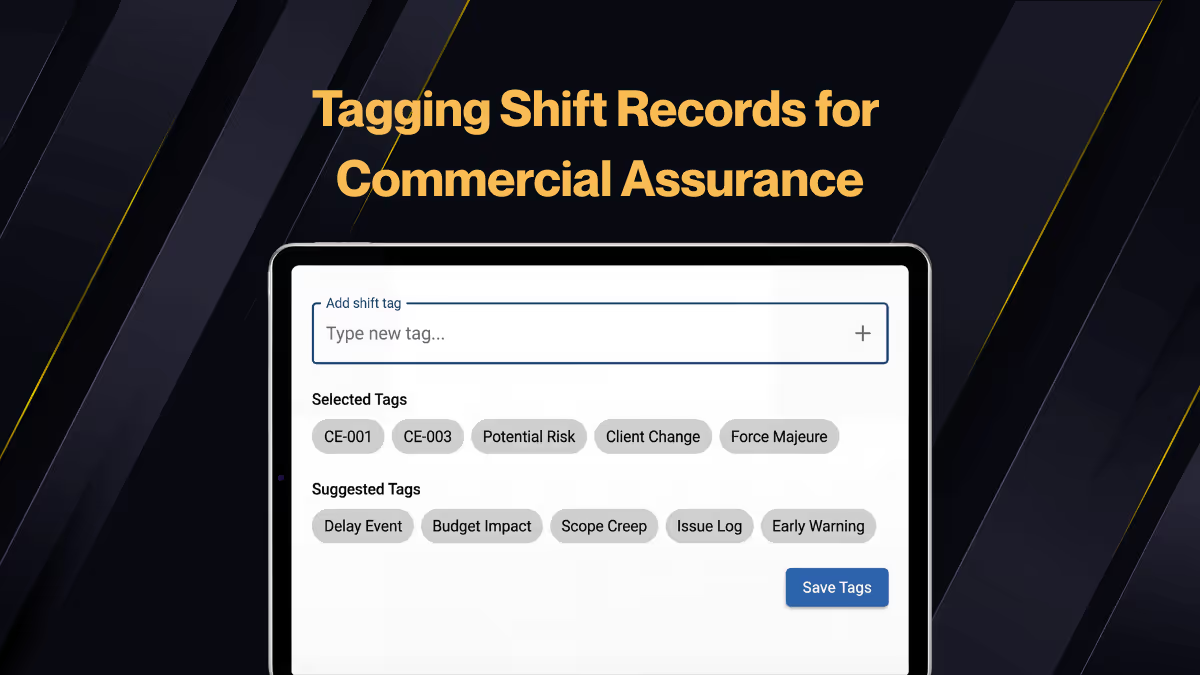
Hi, it's Will from Gather. Today, I'm going to talk you through how to use our tags function to substantiate change events or key issues on your project.
Over to project reports, here we've got some reports and shift reports. I want to look at the individual shift reports. I've got this filtered already. They are submitted records. The ones that I want to see are now finished. These are in draft or planned. I can see there's lots of different tags here.
Tags in action
For today's example, I'll try to use weather. I can un-filter all the tags and just search for weather. Add the weather delay tag in here. You can see I've got a few different tags on here. This one's got another one in the conversation already, and I'm just going to focus on weather.
This is all these records on this project historically. We have all the records that have a weather delay. Then go over to the summary boards. I can then filter by the same tag. Let's say weather again. Apply that tag.
The big picture
I could filter it by a date range: 30 days, 90 days, or even a custom date range. I would do that for last 90 days. I'll apply that. I can then run all of these reports using that tag. It only shows data from project shift records that have the weather delay tag.
Now I can start to run a progress summary in detail, so that I can see which activities on my projects have been affected by that weather delay. That's from resource reports. Probably the labour and plant is the most useful.
The allocation report would be helpful to understand which hours of the day were spent dealing with that delay or affected by that delay. Non productive time as a result.
Conclusion
Take a look at the tags function. Let me know what you think and how it will work for you. I'll speak to you soon. Thank you.


.webp)