


Introduction
Hi, it's Will from Gather. In this video I show you the Gallery, the place where every photo taken on the project comes together.
Construction produces thousands of photos a year. The problem is never taking them. It is finding the right one when a client questions a variation eight months later.
Where the photos come from
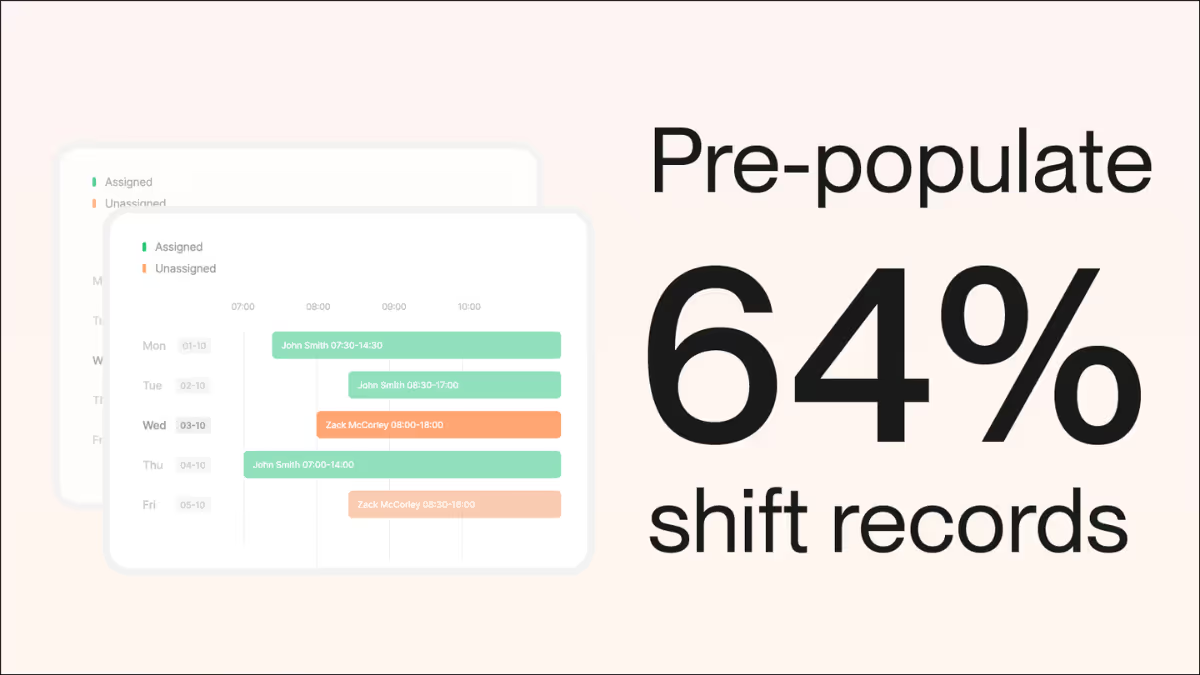
Every photo in the Gallery was captured on a shift record. The team adds photos as part of the shift, and those photos flow into the project Gallery automatically with the date, time, location and shift they belong to.
There is no separate upload step. If the shift record is done, the photos are already in the Gallery.
Filtering the Gallery
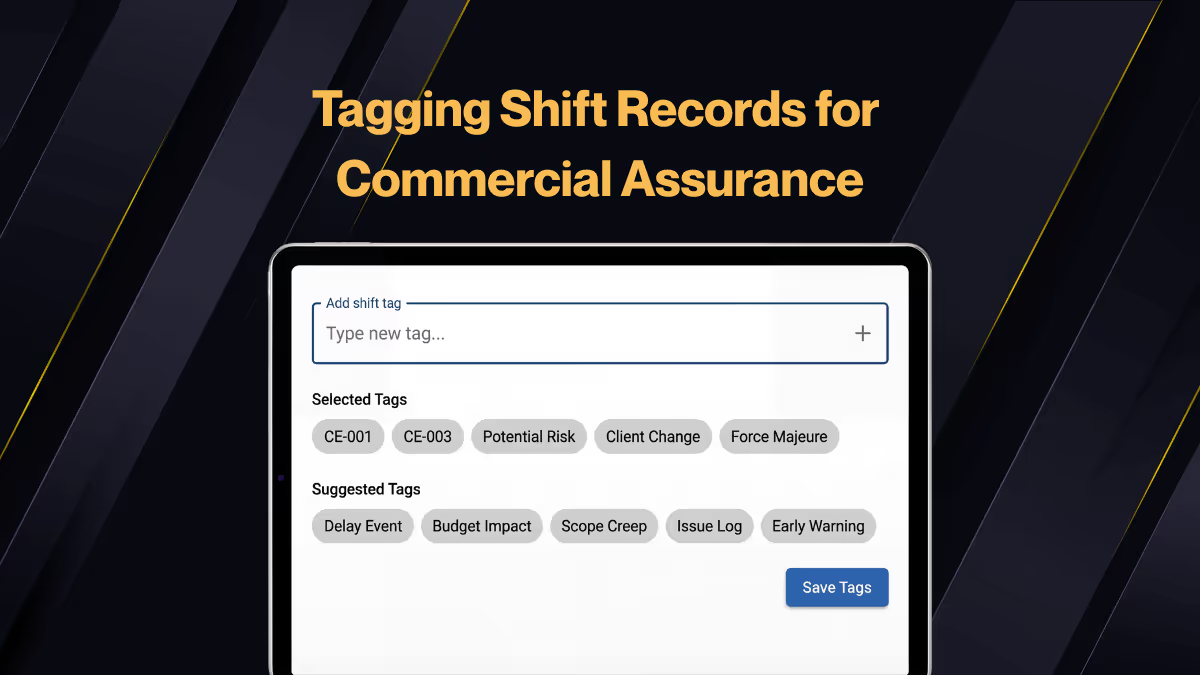
Filter by date range to see a week or a month. Filter by shift or location to see a particular area. Or search by what the photo shows, because the images are tagged with their content as they are captured.
That turns a ten minute scroll into a ten second search.
From the photo back to the record
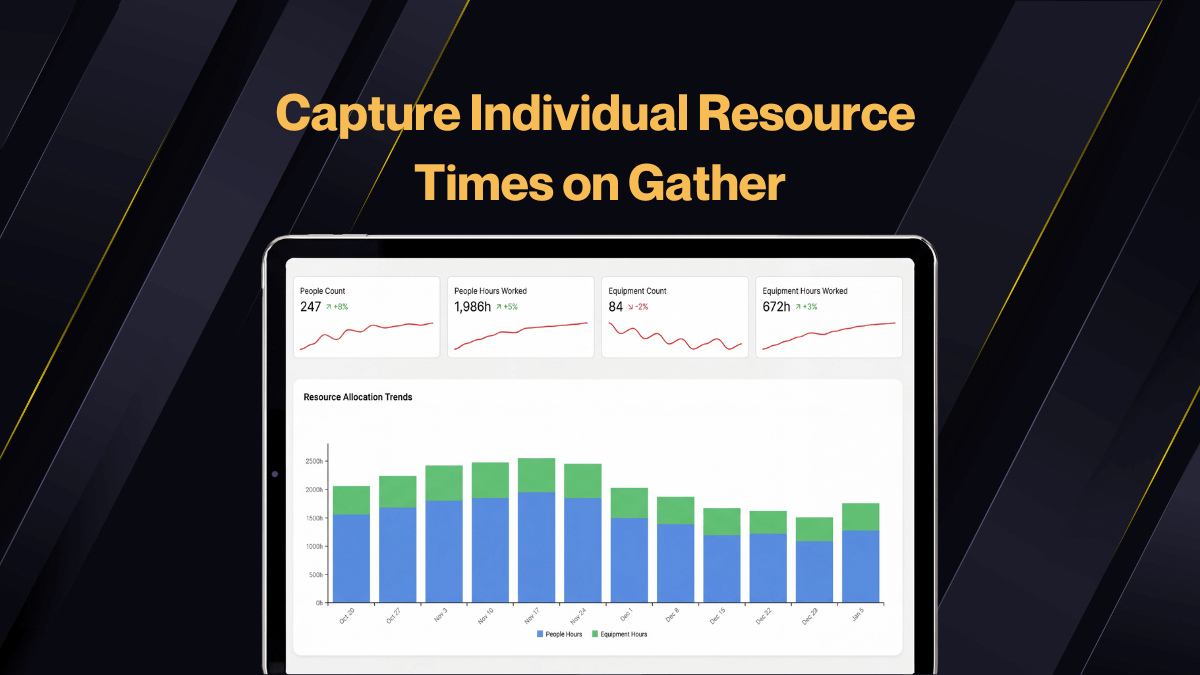
Click any photo and you can get back to the shift record it came from: the activities, the timings, the resources on site and any delay events recorded.
That link is the whole point. A photo is context. A photo attached to a record is evidence.
Wrap up
If your project photos are currently spread across WhatsApp, camera rolls and a SharePoint folder, the Gallery is the fix. One place, every photo, all linked to the record that explains it.
The next video covers how the image tagging behind the search actually works.

.webp)





