


Introduction
Hi, it's Will from Gather. This video is about how we use AWS Rekognition, Amazon's image recognition service, to make sense of the photos your teams take on site.
Across our customers we see well over a million shift records a year, most of them with photos. Nobody is captioning those by hand.
What happens when a photo is captured
When a photo is added to a shift record, Gather sends the image to Rekognition. It comes back with labels for what the image contains, each with a confidence score. Excavation, pipework, scaffold, water, concrete, plant.
Those labels are stored against the photo. The team on site does nothing different.
Searching by content
In the Gallery you can now search for what a photo shows rather than when it was taken. Type 'water' and 'excavation' and you get every photo of a flooded dig across the project.
For a QS pulling together a claim, that replaces an afternoon of scrolling with a search that takes seconds.
Where the limits are
Rekognition is good at objects and materials. It is not a quantity surveyor. It will find pipework. It cannot tell you that pipework was existing and not on the drawings.
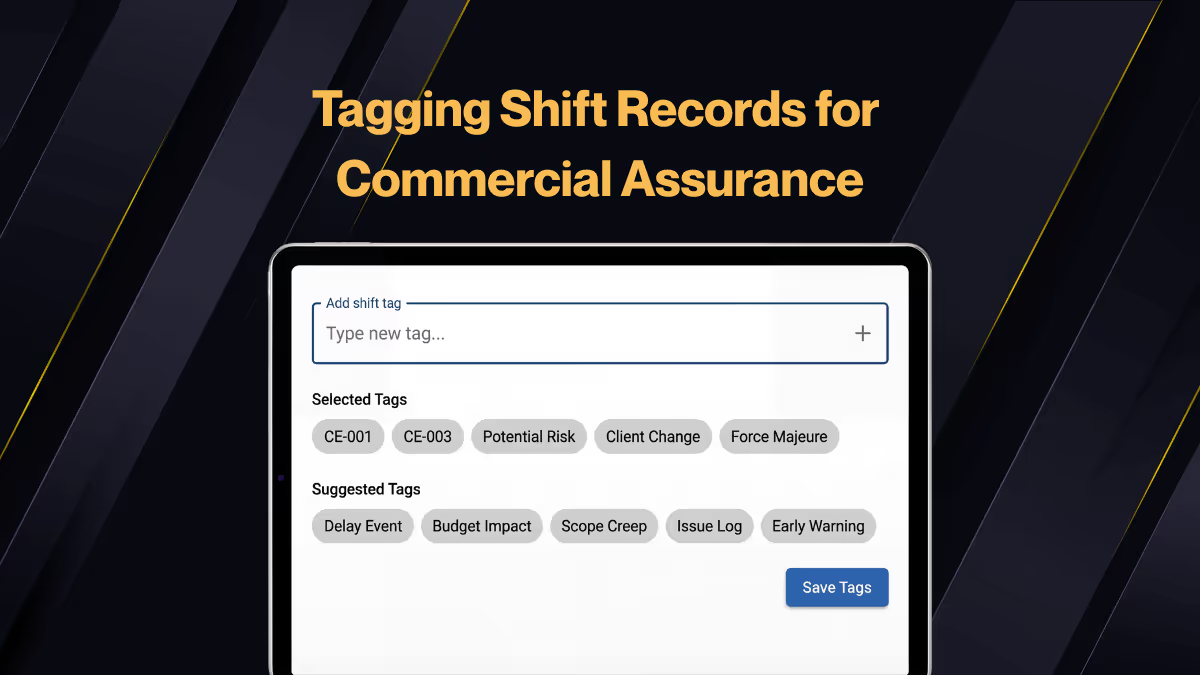
So use the tags to shortlist. The shift record, and the person who took the photo, still supply the meaning. Gather's own project tags (weather delay, design change, access issue) carry the commercial classification alongside the image labels.
Wrap up
Photo evidence is only useful if you can find it. Automatic tagging keeps thousands of photos searchable without asking anything extra of the site team.
If you have not seen the Gallery video yet, watch that next. It shows where these tags are used.



.webp)





